Barycentric Coordinates & Color Interpolation
From inside/outside test to per-pixel interpolation.
The edge function revisited
In the previous section, the edge function was used to determine whether a point was inside a triangle. But the three values it produces — e1, e2, e3 — contain much more information than just that.
What are barycentric coordinates
Barycentric coordinates are three weights (λ₁, λ₂, λ₃) that describe the position of any point inside a triangle in terms of its vertices. Their fundamental property:
Each weight is between 0 and 1 — λ₁ = 1 means you're exactly at vertex A, λ₁ = 0 means you're on the opposite side. Geometrically, each λ is the area of the sub-triangle opposite to the corresponding vertex, divided by the total area:
And here's the connection to the edge function: each e1, e2, e3 already computed is proportional to those areas. Dividing by the total area gives exactly the barycentric coordinates:
float const area_total = e1 + e2 + e3;

// Normalized barycentric coordinates
float const e1_norm = e1 / area_total; // λ for vertex C
float const e2_norm = e2 / area_total; // λ for vertex A
float const e3_norm = e3 / area_total; // λ for vertex B
Interpolating color
With barycentric coordinates, interpolating any value across the triangle is a weighted sum:
For RGB colors, it applies per channel:
// Color interpolation using barycentric coordinates
Vec3 color = colorC * e1_norm + colorA * e2_norm + colorB * e3_norm;
Perspective-correct interpolation
Direct barycentric interpolation works perfectly for colors in 2D. But it breaks for 3D attributes — UV coordinates, normals, depth — because perspective projection distorts distances in screen space. Points that are far away get compressed toward the center, so linear interpolation in screen space produces the wrong result.
The fix involves dividing by w — the original depth of each vertex before the perspective divide — before interpolating. This corrects for the non-linear distortion introduced by perspective. This is covered in full in the UV Texturing section.
Bug — coordinates assigned to the wrong vertex
e1 = edge(P−A, B−A) measures how much C "weighs" at that point, not A.
Result
And here's the result:
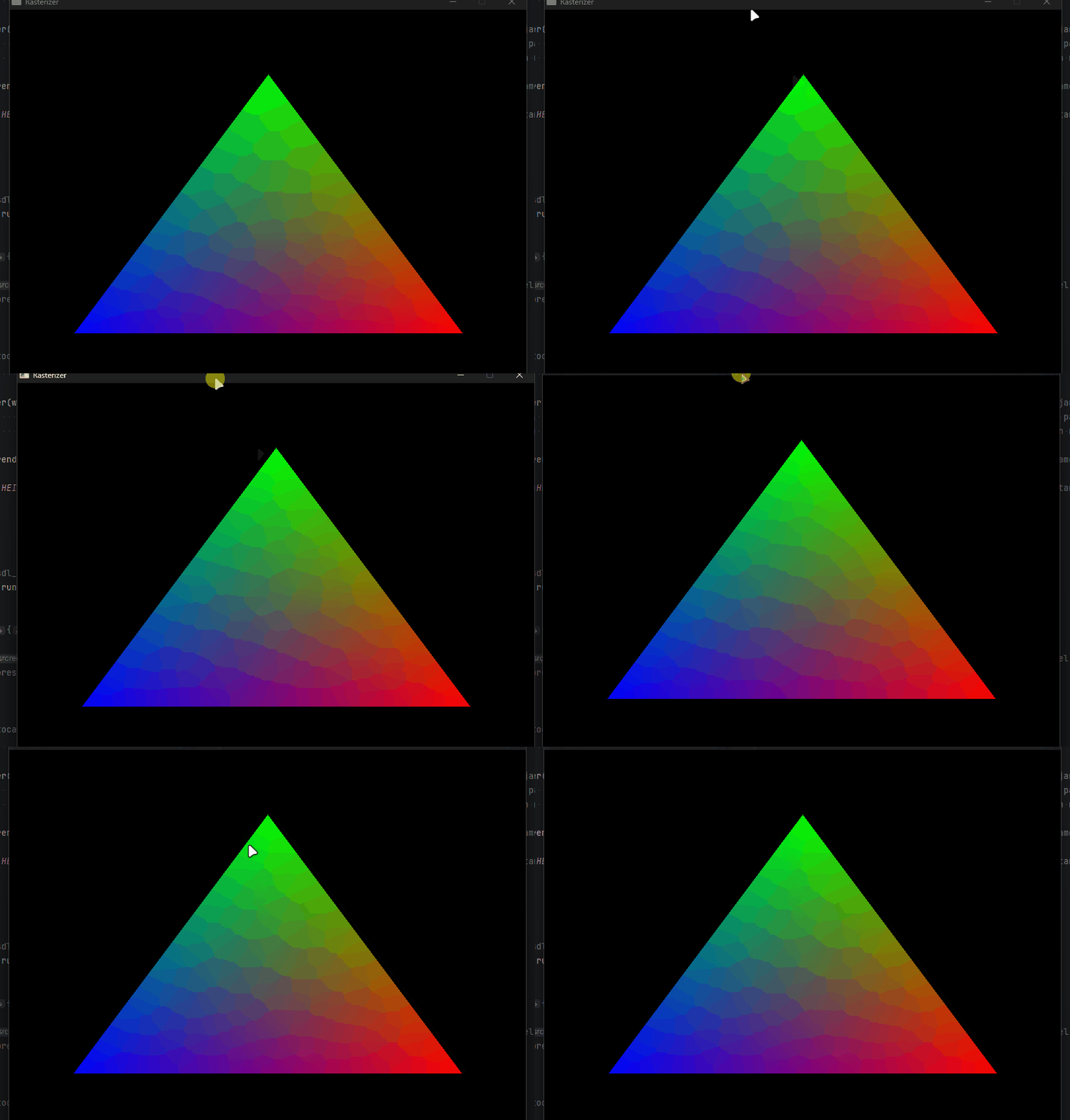
Color interpolation working — every pixel is a weighted blend of the three vertex colors.
With barycentric coordinates working, the next step is depth — how to decide which triangle wins when two overlap on screen.